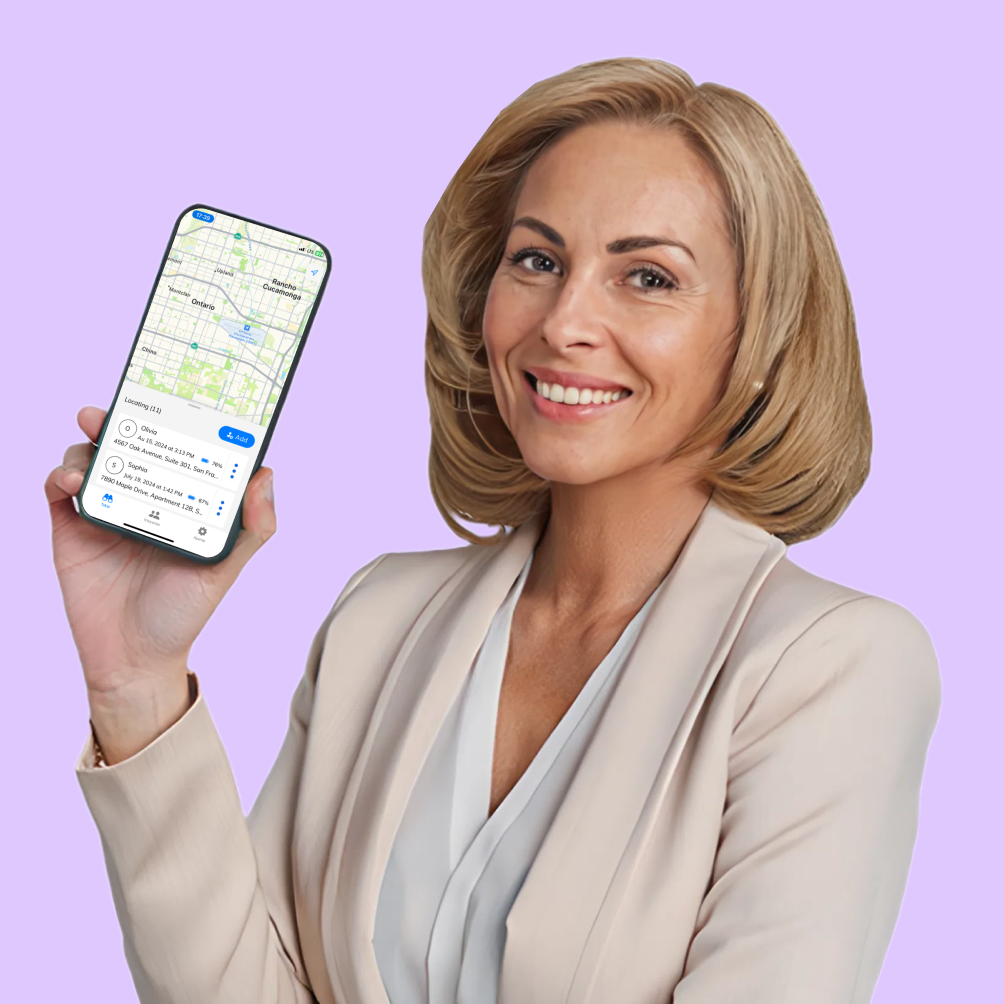
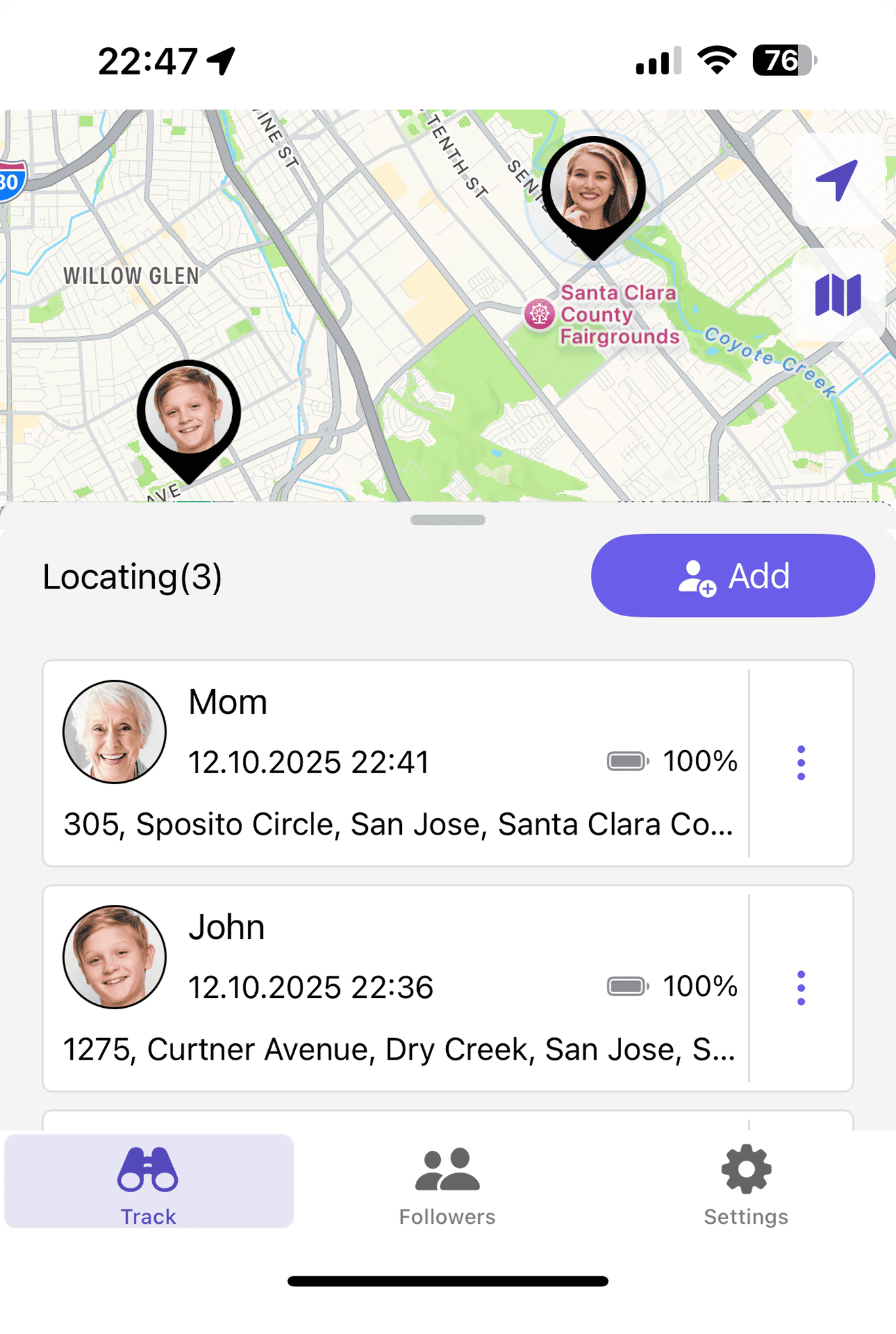



The Tracker App is designed to make location tracking simple, secure, and smart. Whether you want to locate your phone, monitor your family, or manage your team, Tracker combines precision and privacy in one powerful system. Built for both Android and iPhone, it connects seamlessly to global location networks—so you stay informed anytime, anywhere.
This page explains how the app functions, how to use tools like Find My Phone Android, and what makes it different from other GPS tracking solutions. Let’s explore how Tracker brings safety and peace of mind into your daily life.
Getting Started with Tracker App
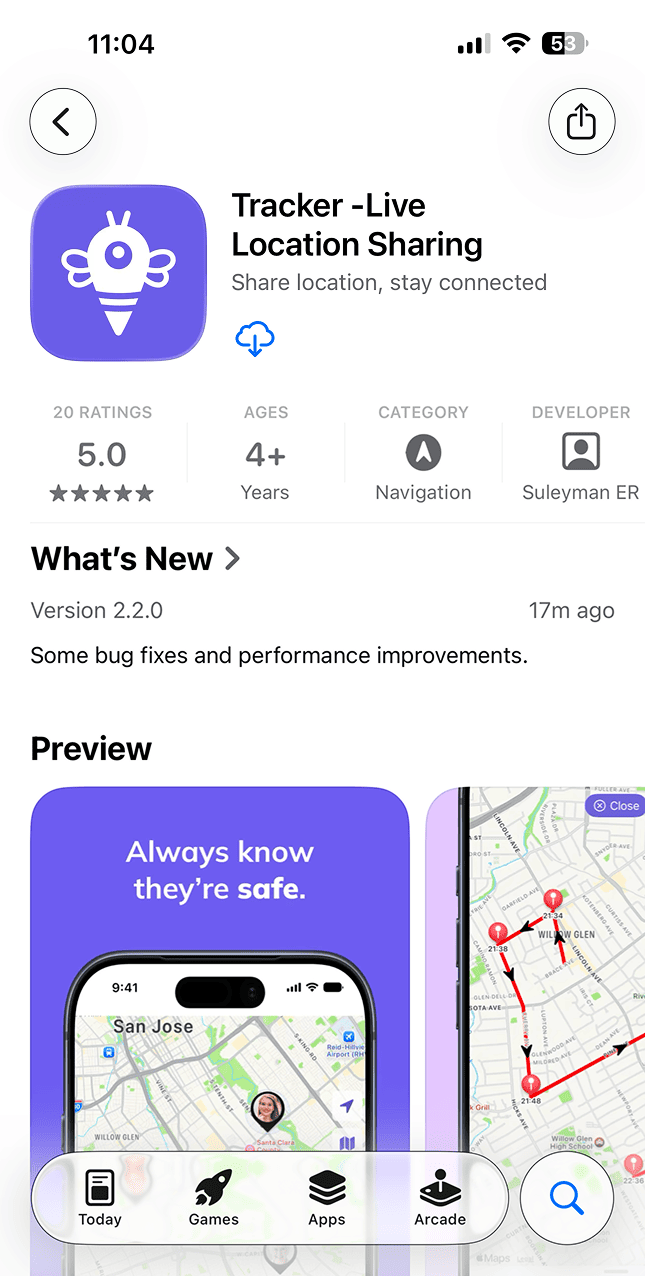
Installing and activating the Tracker App takes only a few moments. Once you download it from Google Play or the App Store, you’ll be ready to experience reliable, real-time location tracking.
Initial Setup and Permissions
To activate tracking, allow the app to access your location. Once permissions are granted, the Find My Phone Android feature becomes active and links your phone to the Android find my device network. This ensures that your device’s position is updated instantly, even if the GPS signal is weak.
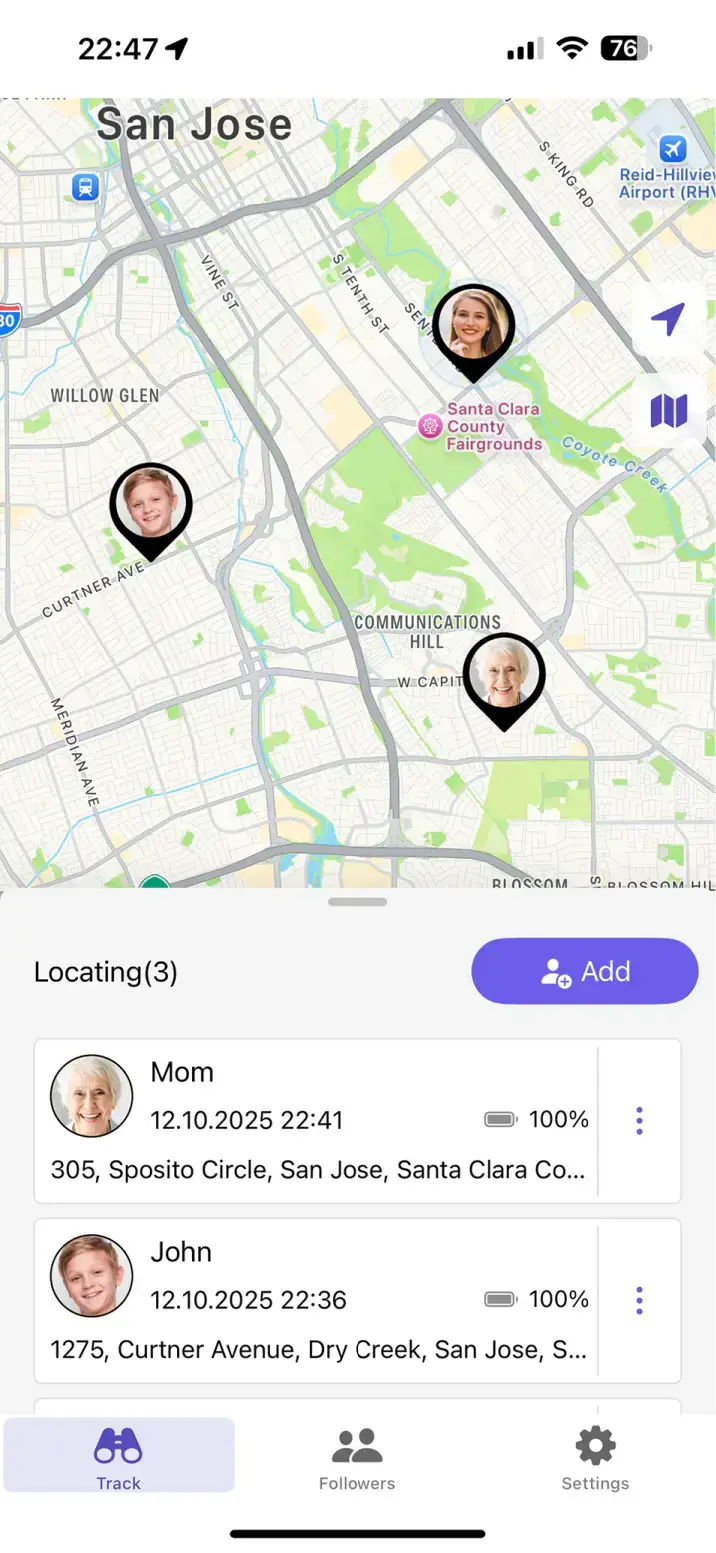
If you’re wondering how to use Find My Phone Android, Tracker App makes it effortless. After setup, you can instantly view your phone’s live location on the map, monitor movements in real time, and share your position securely with trusted contacts — all with a single tap.
The process is fully automatic — no complex configuration required. Once setup is complete, you can see your phone’s live position directly from the Tracker dashboard.
Linking Multiple Devices
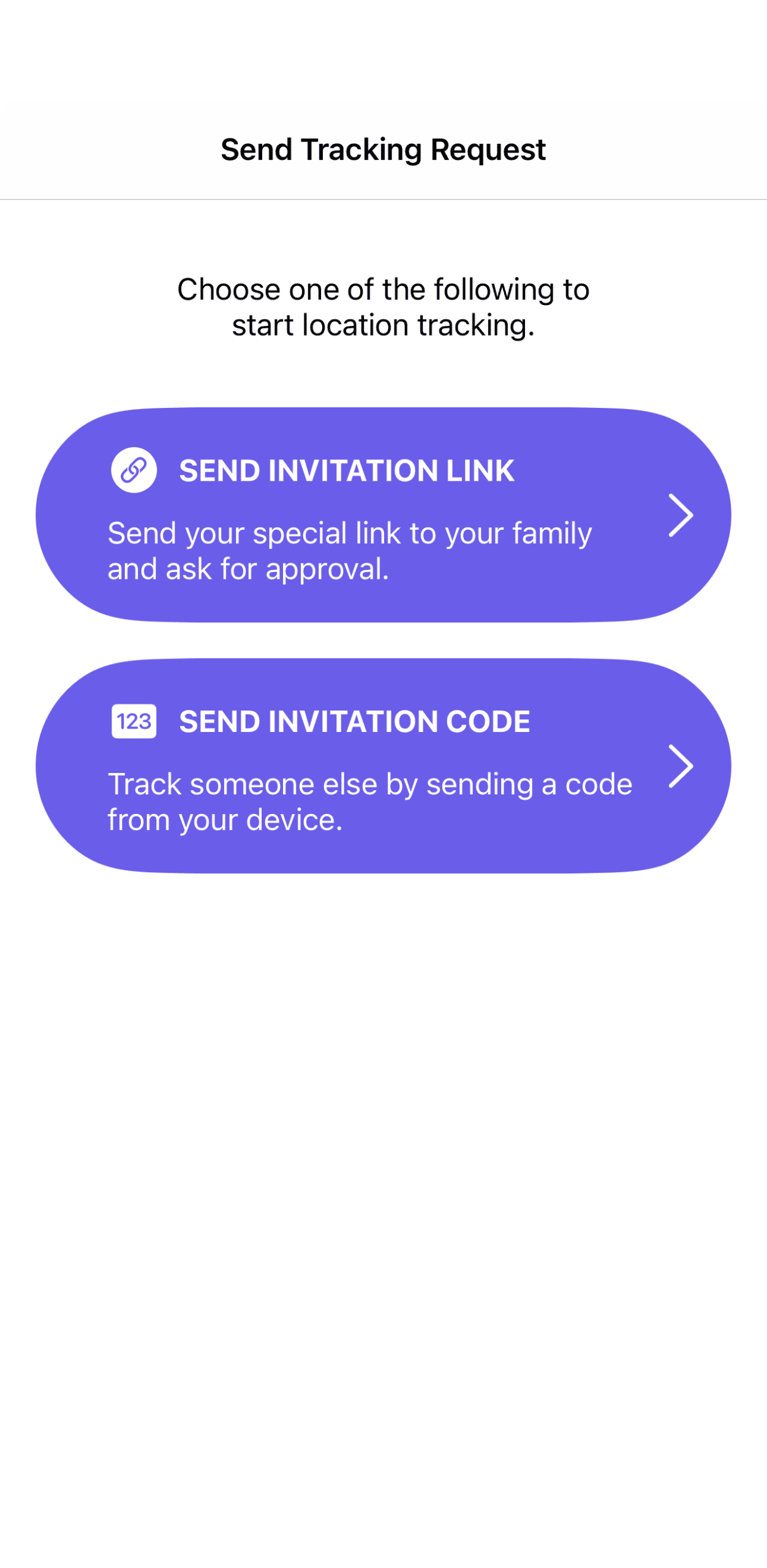
If you manage more than one device, Tracker allows you to add them easily. Connect your GPS tracker on Android phone to your account and label each one with a custom name. This makes it effortless to monitor family members, employees, or delivery drivers from a single interface.
Each device updates its location in real time using smart energy management. The app wakes the GPS sensor only when motion is detected—saving power while maintaining accuracy.
How Tracker App Works in the Background
The Tracker App continuously runs in the background, keeping your devices connected through GPS, Wi-Fi, and mobile data networks.
Intelligent Tracking Technology
Using its advanced algorithm, the app determines when to update your position and when to conserve power. If your phone is moving, the update frequency increases; if stationary, it slows down. This ensures the best balance between precision and battery efficiency.
Even when the app isn’t open, background tracking remains active. That’s why users never have to worry about losing connection to their devices.
GPS Tracker User Manual and Guidance
Every installation includes a built-in GPS tracker user manual that explains all features step by step. It shows how to activate live tracking, view route history, set up alerts, and manage privacy preferences.
If you prefer visual help, the app also provides short tutorial videos. These guides make learning easy, even for first-time users.
How to Find and Manage Your Tracker
Sometimes users want to know how to find tracker on Android once it’s installed. You can locate the app under “Location Services” in your phone’s settings. Ensure background permissions are active for uninterrupted performance.
Solving Visibility Issues
If your phone not showing up on find my list, open the Tracker App and tap “Refresh Devices.” The system reconnects automatically via the Android find my device network. You can also verify your GPS and mobile data are turned on—both are essential for accurate results.
How to Look Up Find My Phone
Need to find your phone fast? The how to look up find my phone feature lets you view your device’s real-time location on the map. From any connected device, log in to your account and tap “Find My Phone.”
If your phone is nearby, you can trigger an audible alert—even if it’s on silent mode. It’s a simple way to recover your phone quickly, whether lost at home or during travel.
Finding an Android Phone Made Simple
If you’ve ever wondered how find an Android phone, Tracker App makes the process seamless. Open the app, choose your device, and its live position appears on the interactive map.
Integration with Google’s Network
The Google Android find my device network enhances accuracy by connecting millions of Android devices worldwide. This shared network allows Tracker to locate your phone even when GPS coverage is weak. The process is completely anonymous and privacy-compliant, ensuring no personal data is ever shared.
Managing Android Find My Device Settings
Inside the Android find my device settings, users can control update intervals, notifications, and data usage. You can choose between continuous tracking for close monitoring or periodic updates for better battery performance.
All settings can be adjusted in just a few taps, giving users full control over how Tracker works for their lifestyle.
Advanced Safety and Privacy
Your security is the core of Tracker’s design. All data transmitted through the app is protected with end-to-end encryption, ensuring that only you and your trusted circle can access location details.
Data Protection and Control
Tracker complies with global privacy regulations, including GDPR and CCPA. You can delete data, turn off location sharing, or unlink devices anytime. The app never sells or shares your information.
Battery-Friendly Yet Powerful
Unlike traditional GPS tools, Tracker uses minimal power. Its adaptive system monitors when your phone is moving and updates accordingly. The result: all-day battery life with continuous location accuracy.
Troubleshooting and Professional Support
The app includes troubleshooting tools that help you fix any issue within seconds.
Common Issues and Solutions
If your device isn’t updating, reconnect it via the Android find my device network or restart GPS. The app will reestablish synchronization instantly.
When in doubt, consult the user guide or reach out to our support team—Tracker specialists are available to help you configure features for optimal performance.
Expert Assistance
Whether you use Tracker for personal safety or business operations, our professional support ensures you get the most accurate and reliable experience. Organizations can also request custom integrations for large-scale tracking.
Why Tracker App Is the Best Choice
The Tracker App brings together all the essential tools—Find My Phone Android, GPS tracker on Android phone, and Android find my device settings—into a single, user-friendly system.
Free and Cross-Platform
Unlike many competitors, Tracker is completely free to download and use. It supports both Android and iPhone, syncing effortlessly across platforms.
Reliable, Secure, and Modern
From private users to small businesses, Tracker stands out for its accuracy, privacy, and flexibility. With advanced encryption, global device compatibility, and real-time updates, it’s the most dependable GPS tracking app on the market.
Download Tracker App Today
Take control of your safety and connectivity. Download the Tracker App now to experience effortless tracking powered by the Android find my device network. Activate your Find My Phone Android feature and enjoy instant access to your device’s location anytime you need it.
Tracker combines simplicity with strength—keeping you, your loved ones, and your devices always connected.
Safe. Smart. Free. Tracker App.