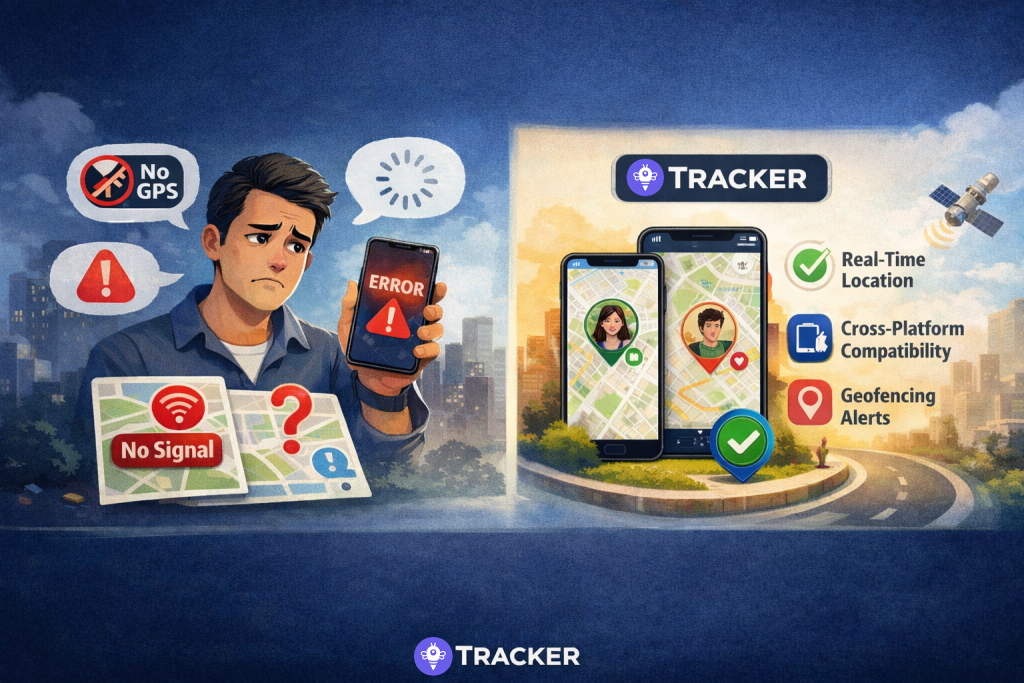
Picture this: It is a stormy Tuesday afternoon. You are an iPhone user, a “blue bubble” in the digital world. Your teenage son, however, prefers the customization of his Samsung Galaxy. He should have been home from soccer practice thirty minutes ago. You check your standard “Find My” app, but it’s useless because he is outside the Apple ecosystem. The anxiety starts to creep in—not because something is necessarily wrong, but because of the technological wall between your devices.
This scenario is the daily reality for millions of mixed-device families. In the world of Geographic Information Systems (GIS), we talk about interoperability—the ability for different systems to talk to each other. For a parent or a caregiver, this simply means answering one burning question: can iphone track android phone reliably?
The answer is a resounding yes, but the method you choose matters. As we move into 2025, the digital landscape has shifted towards privacy-centric and battery-efficient solutions. You don’t need to force your entire family to switch to one brand just to stay safe. Whether you are a protective parent, a busy professional managing a household, or part of the sandwich generation caring for aging parents, bridging the gap between iOS and Android is easier than ever.
The Challenge of Mixed-Ecosystem Families
For years, Apple and Google have built incredible walled gardens. Apple’s “Find My” is fantastic, provided everyone has an iPhone. Google’s “Find My Device” is excellent, provided everyone is logged into a Google account on Android. But real life isn’t that tidy. Real families are a mix of devices, preferences, and needs.
Why Native Apps Often Fail Us
When you search for iPhone tracking android, you will often find workarounds that are clunky or invasive. Native apps usually require you to share account passwords or constantly refresh a map that lags. This isn’t just inconvenient; in an emergency, seconds count, and a frozen map interface is the last thing you need.
The Need for Cross-Platform Tracking
To truly solve this, we need third-party solutions designed specifically for cross-platform tracking. These are applications built with the understanding that location data is a universal language, regardless of the operating system. However, not all trackers are created equal. Some drain your battery in hours; others treat your private location data as a commodity to be sold.
Top 5 Cross-Platform Family Locator Apps
Navigating the app store can be overwhelming. Based on technical performance, battery efficiency, and privacy standards, here is a breakdown of the top 5 approaches and apps to bridge the iOS-Android divide.
1. Tracker App: The Privacy-First Solution
Topping our list is the Tracker App. Unlike legacy apps that feel like bloated social networks, Tracker App focuses on doing one thing perfectly: real-time location sharing with zero friction. It is designed for the modern user who values their data privacy.
Why It Stands Out
Most apps store your location history on their servers. Tracker App takes a revolutionary approach by storing location history locally on your device. This means your movement patterns belong to you, not a corporation. It solves the query how to track Android phone for free (with its basic version) without selling your soul to advertisers.
Seamless Onboarding
There is no lengthy registration form. You download it, and you are ready to go. This “instant-use” philosophy is perfect for the “Digital Native” generation who hates unnecessary sign-ups, as well as the “Sandwich Generation” who might need to set up a device for an elderly parent quickly.
2. Google Maps (Location Sharing)
While not a dedicated safety app, Google Maps is a ubiquitous GPS tracker app for Android and iOS. It allows for temporary or permanent location sharing.
- Pros: You likely already have it installed.
- Cons: It is a heavy battery drainer. Constant background usage of Google Maps can kill a phone’s battery by midday. Additionally, the interface is cluttered with navigation features, making it less than ideal for quick safety checks.
3. WhatsApp / Telegram (Live Location)
For quick, temporary coordination, messaging apps offer “Live Location.”
- Pros: Good for “I’m 5 minutes away” scenarios.
- Cons: These are not “set it and forget it” solutions. Live location expires after a few hours. If you are asking can iphone track androidfor long-term safety (like ensuring a child gets to school every day), these are insufficient.
4. Carrier-Based Tracking (Verizon Smart Family, T-Mobile FamilyMode)
Your mobile service provider likely offers a paid tracking service.
- Pros: Integrated into your billing.
- Cons: Extremely expensive and often restricted to devices on the exact same data plan. If your spouse uses a work phone on a different carrier, this method fails.
5. “Spyware” Style Apps (Avoid These!)
You will see many apps promising to track a phone number secretly. People often search “can I track a phone number location for free?” hoping to find these.
- Warning: Ethical and technical caution is required here. Legitimate family safety requires consent. Apps that claim to track by number alone without installation on the target device are often scams or illegal spyware. Always stick to verified apps like Tracker App that prioritize transparency and security.
Deep Dive: Why Tracker App is the Best GPS Tracker App for Families
As an expert in location technologies, I look for three things: Precision, Efficiency, and Privacy. Tracker App hits the “sweet spot” on all three, making it the superior choice for connecting an iPhone tracking Android phone.
Intelligent Battery Optimization
One of the biggest complaints about location apps is that they leave you with a dead phone. Tracker App runs reliably in the background with minimal power consumption. It uses smart algorithms to update location only when necessary (like when movement is detected), rather than constantly pinging the GPS satellite, which is a massive energy hog.
Privacy That Actually Means Privacy
In an era of data breaches, family location sharing should not mean public exposure. Tracker App ensures that location data is not uploaded to a vulnerable cloud database. If you are a “Protective Parent” worried about digital footprints, this local-storage architecture provides the peace of mind you need.
Features That Matter
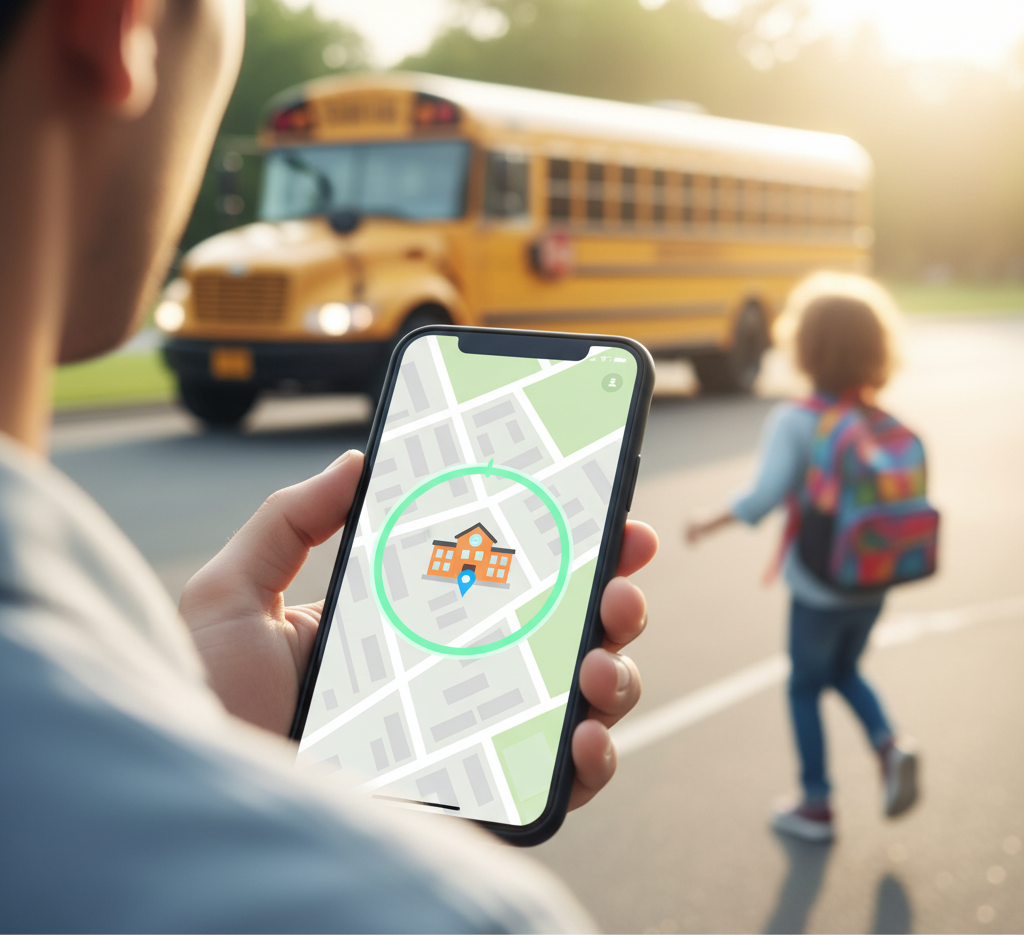
- Geofencing: You don’t want to watch a map all day. Set up zones (like “School” or “Grandma’s House”) and get notified when your loved one enters or leaves.
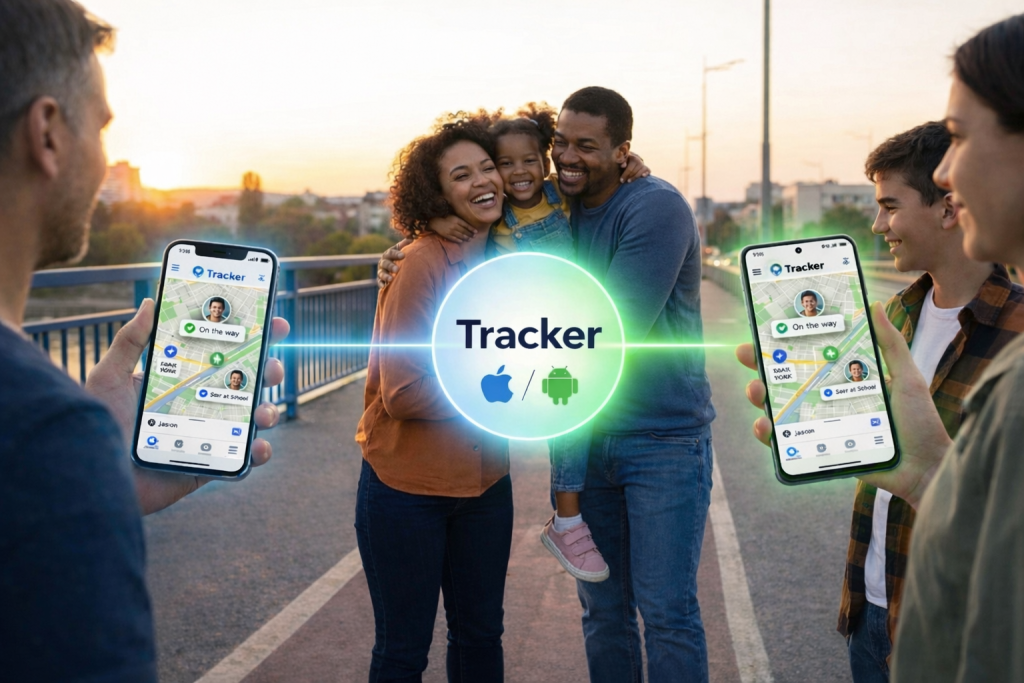
- Cross-Platform Harmony: It provides seamless performance across both iPhone and Android. The experience is identical, regardless of the device.
- User-Friendly Interface: It is clean, intuitive, and free of clutter.
How to Track Android Phone for Free and Effectively
If you are asking “How can you track a phone location for free?” without compromising on quality, the “Freemium” model of modern apps is your friend. Tracker App offers a robust free basic version that covers the essentials.
Step-by-Step Setup Guide
Setting up an iPhone tracking app to monitor an Android device (or vice versa) used to be a headache. Here is how simple it is now:
- Download: Get the app on both the host (iPhone) and target (Android) devices.
- Pairing: Open the app. You don’t need to create an account. simply use a secure invite code or link to pair the devices.
- Permissions: Grant the necessary “Always Allow” location permissions. This is crucial for the app to work in the background.
- Customization: Set up your safe zones (Geofences) immediately.
Addressing the “Green Bubble” Anxiety
For the “Global Family” or those with partners traveling for work, reliable tracking is about emotional connection, not control. Knowing your partner has landed safely at Heathrow or that your child has reached the campus dorm eliminates the need for those nagging “Where are you?” texts.
Who Benefits Most from Tracker App?
While this technology is universal, certain groups will find “What is the best app for tracking family members?” particularly useful:
The Working Parent
You value efficiency. You don’t have time to debug software. You need an app that works immediately so you can focus on your meeting, knowing you will get a notification if your child deviates from their route.
The Sandwich Generation
You are caring for your own children and aging parents simultaneously. Your dad might have an old Android phone he refuses to upgrade. With excellent Android compatibility, Tracker App allows you to ensure his safety without forcing him to learn a new operating system.
The Digital Native
You value independence but understand safety. You might want to share your location with a close circle of friends during a festival or a night out. Tracker App’s temporary sharing and privacy controls make it the cool, safe choice.
Why Tracker App is the Logic Choice for 2025
We are approaching a “Big Reset” in how we view digital privacy. Users are tired of being the product. Tracker App represents the future of iPhone tracker technology because it respects the user.
No Registration: A Game Changer
The lack of mandatory sign-ups is not just a convenience; it is a security feature. Less personal data collected (emails, phone numbers, passwords) means less data that can potentially be leaked.
Offline Reliability
While no app works without some signal, Tracker App’s caching capabilities mean that if a device dips into a low-signal area, it retains the last known location effectively and updates instantly when connection is restored.
Conclusion: Peace of Mind in Your Pocket
The divide between iPhone and Android doesn’t have to be a divide between you and your family’s safety. You no longer have to ask can iPhone track Android with skepticism. With the right tools, cross-platform safety is seamless, battery-efficient, and private.
Tracker App isn’t just another utility; it is a lifestyle upgrade. It empowers you to feel connected without being intrusive. It allows the “Protective Parent” to relax, the “Working Parent” to focus, and the “Global Family” to stay close across continents.
Ready to Connect Your Family?
Don’t wait for an emergency to figure out your family safety plan. Experience the freedom of secure, battery-friendly location sharing today. Whether you are looking to download for iPhone or Android, the solution is one click away.
Take control of your peace of mind. Download Tracker App now and bridge the gap between your devices instantly.