Being a parent in today’s fast-paced world feels a lot like being an air traffic controller, doesn’t it? You are constantly monitoring where everyone is, calculating estimated arrival times, and hoping for clear skies. But unlike a controller, you don’t have a massive tower full of screens—you just have your smartphone and a heart that beats a little too fast when your child is ten minutes late.
I know exactly how you feel. You want to ensure your family’s safety, but the moment you hear words like “server configuration,” “API keys,” or “cloud synchronization,” you want to run for the hills. You aren’t looking for a degree in computer science; you just want to know that your kids made it to soccer practice safely.
Here is the good news: You don’t need to be a tech wizard to master GPS tracking basics. In fact, with the right tool, you can set up a complete safety net for your family in less time than it takes to brew your morning coffee. This guide is designed specifically for you—the caring, protective, and busy parent who values peace of mind above all else. Let’s dive into the easiest way to keep your loved ones close, without the technical headaches.
Why Every Parent Needs a Simple Tracking Solution
We live in an era where connection is a necessity, not a luxury. Whether you are a “Sandwich Generation” parent caring for both teenagers and aging parents, or a working mom trying to balance office deadlines with school pickups, knowing location data instantly is a game-changer.
The Modern Parenting Dilemma
There is a fine line between being protective and being overbearing. You don’t want to be the parent who calls every five minutes asking, “Where are you?” It’s stressful for you and annoying for your kids. A GPS tracker offers a silent, gentle way to stay informed. It allows your children to have the independence they crave while giving you the reassurance you need. It is not about spying; it is about that “digital hug” that says, “I’m here if you need me.”
Moving Beyond Complexity
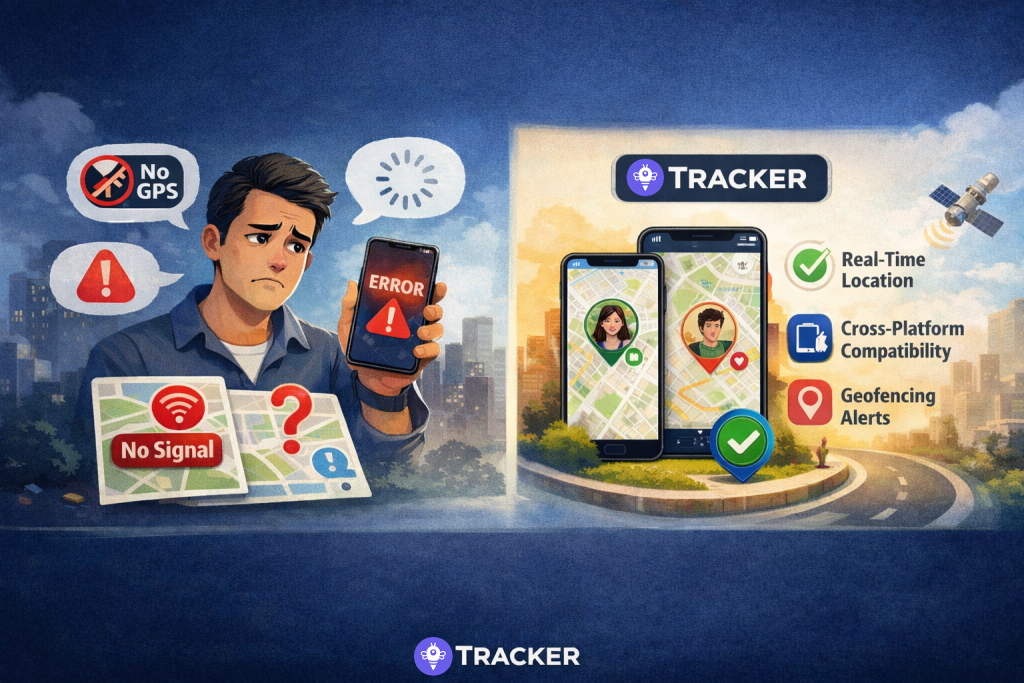
The market is flooded with complex gadgets. Some require monthly hardware fees, others need complicated wiring in cars, and many apps ask for so much personal data it feels invasive. You need a tracker with GPS capabilities that lives on the phone you already own. You need something that strips away the noise and focuses on one thing: accurate, real-time location.
Getting Started: What You Actually Need (No Tech Degree Required)
Let’s debunk a myth right now: You do not need expensive hardware to track your family. The supercomputer in your pocket is more than capable. The secret lies in choosing the software that bridges the gap between complicated technology and user-friendly design.
Choosing the Right Tool for the Job
When looking for the GPS tracker best suited for non-tech parents, you should prioritize three things:
- Simplicity: Can I set it up while holding a toddler?
- Privacy: Does the data stay with me, or does it go to a stranger’s cloud?
- Efficiency: Will this drain my battery by noon?
Most parent tracking solutions fail at one of these. They either kill your battery, sell your data, or require a 20-step registration process. This is where the Tracker App shines. It is designed with an “instant-use” philosophy. There is no email to confirm, no password to remember, and absolutely no friction.
Understanding the Basics
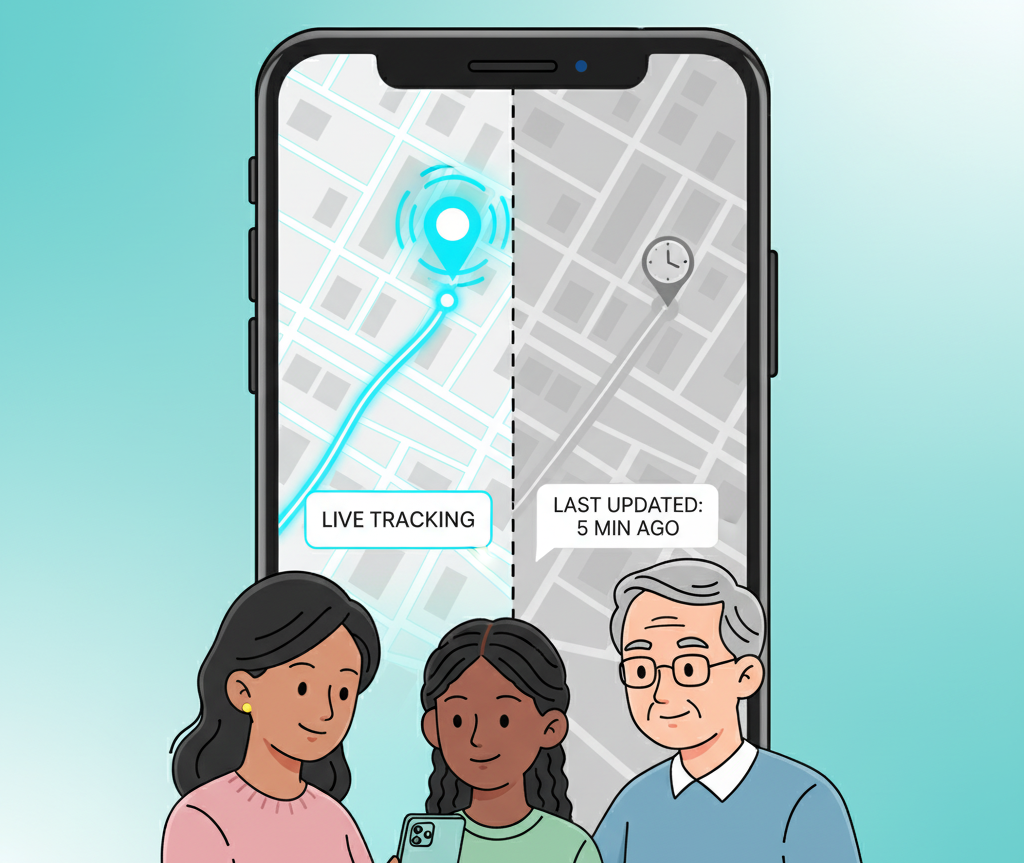
At its core, track GPS phone technology works by using satellites to pinpoint a device’s location. However, how that information gets to you matters. Unlike old-school methods that relied on SMS or phone number triangulation (which can be inaccurate and unsafe), modern apps use data connections to provide smooth, real-time updates on a map.
The 3-Minute Setup Guide
Ready to get started? Grab your phone and your child’s (or parent’s) phone. We are going to do this together, and I promise, it will be faster than you think.
Step 1: The Quick Download
The first step is the easiest. You need to get the app on both devices. Whether you are using an iPhone or looking for a GPS tracker Android solution, the Tracker App is available on both platforms. A quick download is all it takes to begin. Search for “Tracker” in your app store and look for the friendly interface.
Step 2: No Registration? Yes, Really!
Here is the part that usually shocks parents. Open the app.
Usually, this is where you’d see “Sign Up,” “Enter Email,” “Create Password,” “Verify Phone Number.”
Not here.
With Tracker, you open the app, and boom—you are in. We believe that safety shouldn’t wait for email verification. This easy setup process is revolutionary for non-tech users. You are immediately presented with a clean, intuitive map interface.
Step 3: Connecting Your Circle
Now, you just need to link the phones.
- On your phone, tap the “Add” or “Share” button to generate a simple code or a link.
- Send this link to your family member (via WhatsApp, iMessage, or whatever you use).
- When they tap it, they are instantly connected to you.
That’s it. No creating accounts, no remembering usernames. You are now viewing their location in real-time.
Android vs. iPhone: Making Them Play Nice
One of the biggest headaches for families is the “Green Bubble vs. Blue Bubble” war. Maybe you have an iPhone, but your teenager loves their Samsung. Or perhaps you are buying a budget-friendly device for your elderly father.
Universal Compatibility
You need a GPS tracker app that is platform-agnostic. Apple’s “Find My” is great, but only if everyone has an iPhone. Google’s tools can be clunky on iOS.
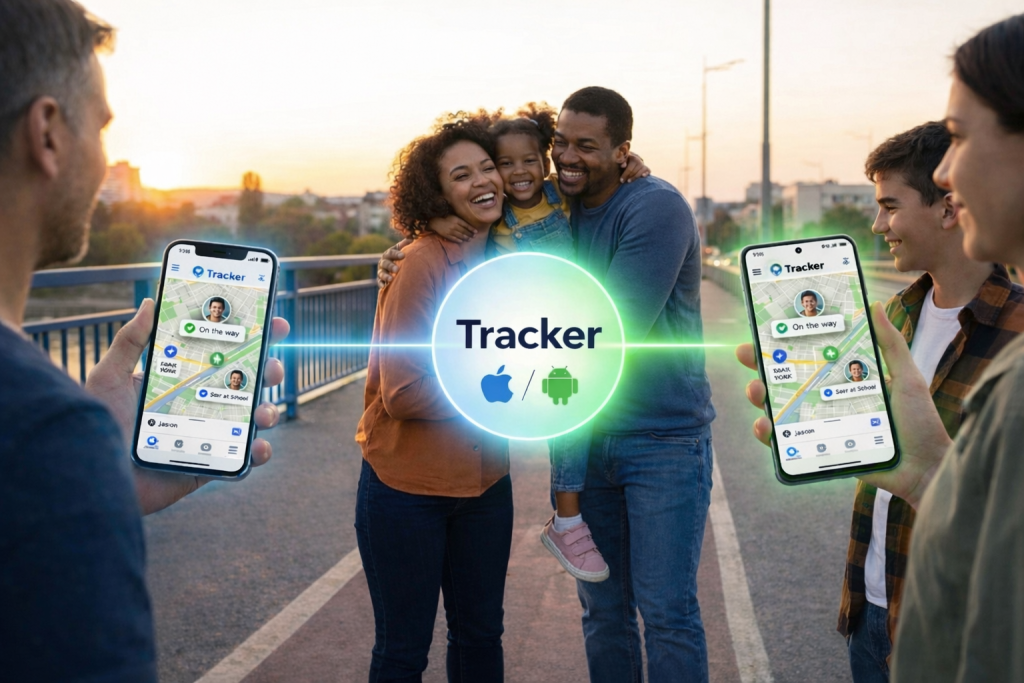
Tracker App bridges this divide seamlessly. It is a high-performance GPS tracker for Android and iPhone simultaneously.
Seamless Performance Across Devices
Whether you are monitoring a GPS tracker for iPhone or a specialized Android device, the experience is identical. The app handles the technical differences in the background. You don’t need to know how the Android OS talks to the iOS system; you just need to see the pin on the map. This is ideal for the “Global Family” or mixed-device households where functionality matters more than brand loyalty.
Overcoming Common Tech Hurdles
As a careful parent, you probably have two major questions lingering in your mind: “Will this kill my phone battery?” and “Is my private data safe?” Let’s address these valid concerns.
The Battery Myth
We have all used navigation apps that drain 20% of the battery in a 10-minute drive. It is terrifying to think of running a location app all day. However, Tracker App is built differently. It uses intelligent energy optimization.
Instead of constantly hammering the GPS satellites, it listens for significant movement updates. This means you can leave the GPS tracker phone app running in the background 24/7 without panicking about a dead phone. It is designed to be sustainable for everyday life.
Privacy: Your Data, Your Device
In an age where data breaches are common news, you are right to be worried. Most apps upload your location history to a cloud server. If that server is hacked, your family’s movements are exposed.
Tracker App takes a strict privacy-first approach. Your location history is stored locally on your device. It is not uploaded to the cloud. We do not sell your data. You have complete control. If you stop sharing, the data trail ends. This feature appeals immensely to the “Digital Native” generation who value privacy, and the “Protective Parent” who values security.
Real-Life Scenarios: How This Helps You Today
Let’s take this out of the theoretical and into your actual life. How does this app change your Tuesday afternoon?
The “Did They Get There?” Panic
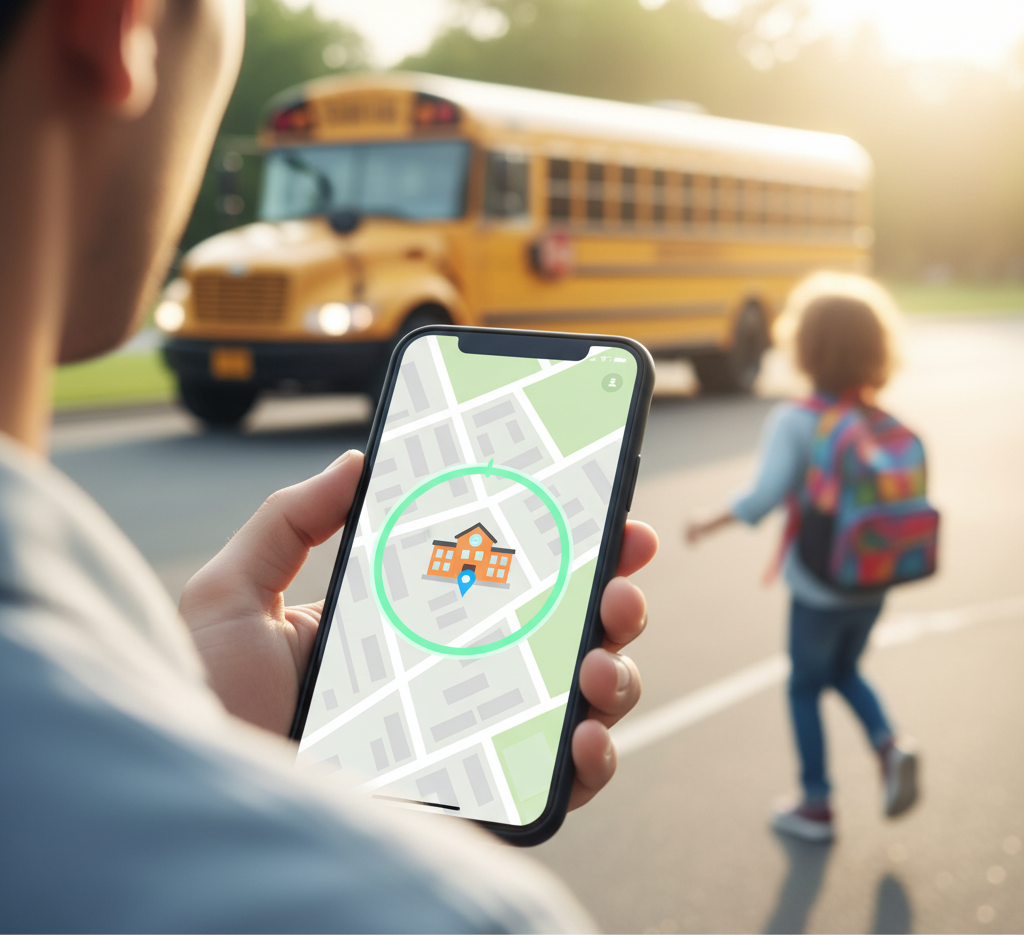
Imagine your child takes the bus to school. Usually, you spend the 20 minutes between the bus departure and school start time staring at the clock. With Tracker, you can set up family safety features like Geofencing.
You get a gentle notification: “Mark has arrived at School.”
You don’t have to open the app. You don’t have to call. You just smile and pour another cup of coffee.
The Crowded Festival or Mall
Teenagers love independence. They want to go to the concert or the mall with friends. You want them to be safe. With this app, they can wander freely. If you need to meet up, you don’t have to shout over the phone, “I’m by the pretzel stand!” You just look at the map. It turns a chaotic search into a simple rendezvous.
Caring for Seniors
For those in the “Sandwich Generation,” worrying about an elderly parent wandering off is a heavy burden. A simple GPS tracker phone setup on their device gives you the ability to ensure they are safe at home or on their routine walk, without stripping away their dignity or independence.
Why Simplicity is the Ultimate Sophistication
At the end of the day, technology should serve you, not the other way around. You shouldn’t have to read a manual to ensure your child is safe.
The Tracker App Advantage
We built Tracker App because we were tired of the clutter. We saw apps trying to do too much—social media features, driving reports, crash detection—that just bloated the software and confused the user. We stripped it back to what matters:
- Precision: Accurate, real-time updates.
- Privacy: No cloud history storage.
- Performance: Minimal battery impact.
- Ease: No registration.
Your Peace of Mind is One Tap Away
You have enough on your plate. You are managing a household, a career, and the emotional well-being of your family. You don’t need another task; you need a solution. Tracker App is that solution. It is the reliable, silent partner in your parenting journey.
If you are ready to stop worrying and start connecting, there is no better time than now. You don’t need to sign up. You don’t need to give us your email. You just need to download the app and see the difference for yourself.
Take the Step for Family Safety
Join the thousands of families who have switched to a simpler, safer way of staying connected. Experience the freedom of knowing your loved ones are safe without the burden of complex technology.
Download Tracker App today. Give yourself the gift of reassurance and let us handle the “where,” so you can focus on the “love.”